Jintaijin | Additive manufacturing part review
FDM layer ridge and support scar review planner
Build a FDM incoming-part review brief: record material, local surface conditions, protected features and preparation records. Export unanswered questions.
Record the grade and build lot, then identify ridge direction and the support-contact location. A threaded hole, thin edge or embossed label needs its own preservation requirement. The brief does not decide whether a print defect can be repaired.
Build your FDM condition review brief
Enter observations and document references, not personal contact details. Unknown states remain questions. Each text field accepts at most 240 visible characters.
Separate the incoming conditions
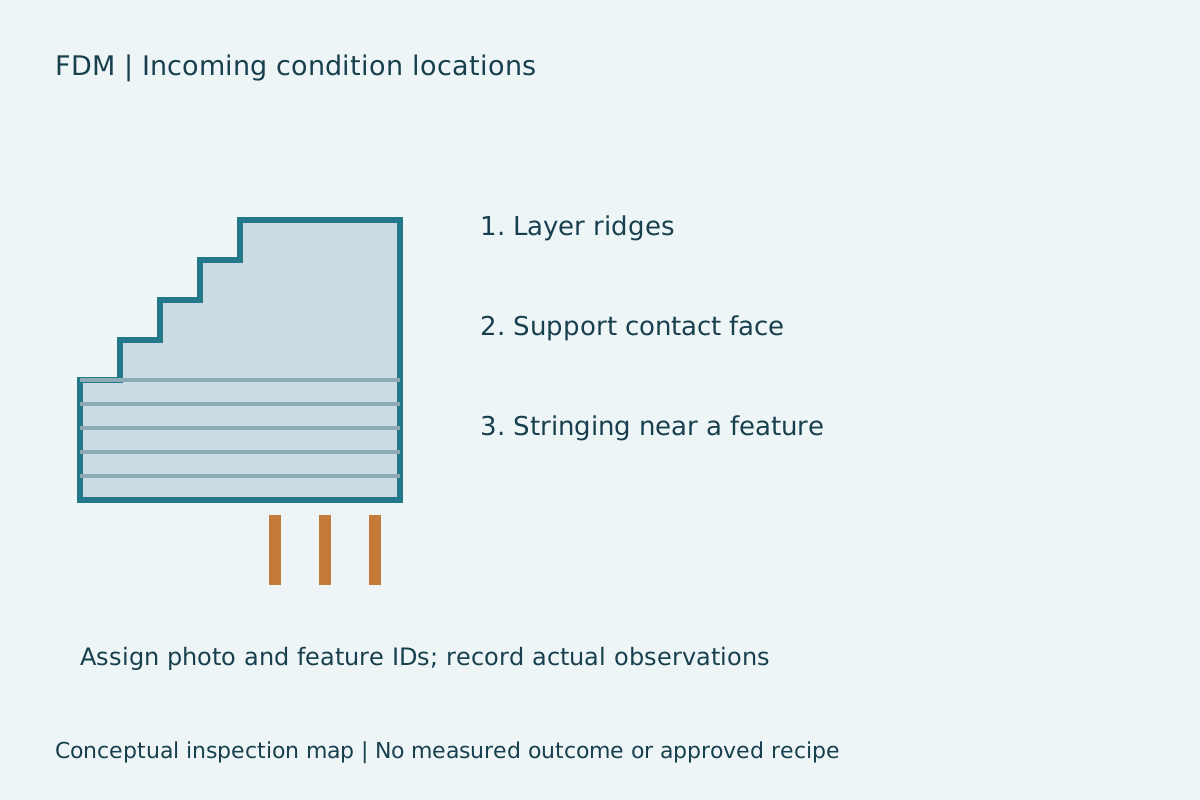
A ridged face, a support-contact face and an isolated string are different inspection targets. Name the face rather than combining every visual defect into one roughness value. Build orientation and photo labels keep the same location identifiable after a trial.
- Layer ridges: record the actual feature and observation.
- Support contact face: record the actual feature and observation.
- Stringing near a feature: record the actual feature and observation.
Define what must be preserved
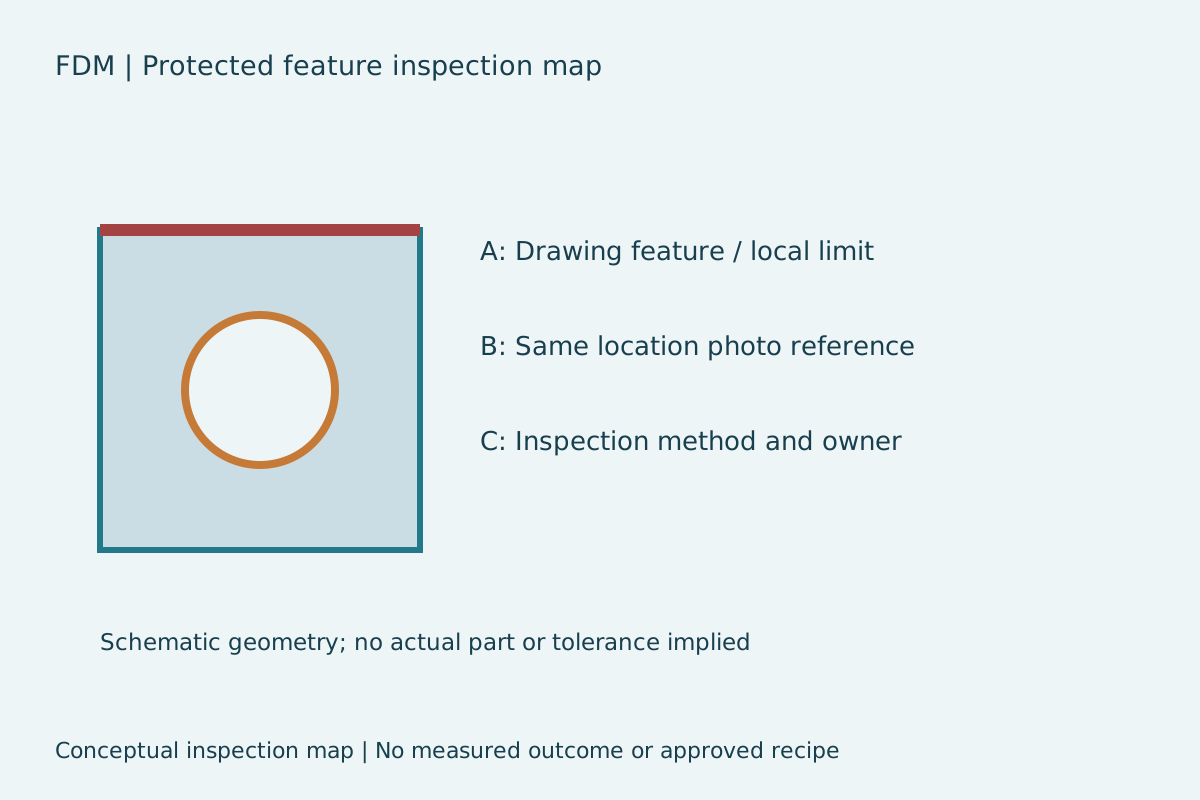
Identify the drawing revision, protected feature and inspection owner. Visual and dimensional changes are separate observations. If no local limit or inspection method has been agreed, leave the question open instead of interpreting a cosmetic goal as an acceptance requirement.
Source context and preparation records
Prusa explains why surfaces touching supports can look different. Record the actual face and build orientation before comparing samples. Read the manufacturer reference.
The Jintaijin additive manufacturing article lists these incoming-condition examples, checked 4 October 2026. Only observation categories are used. Its media, sequence and outcome columns are not accepted as a validated recipe.
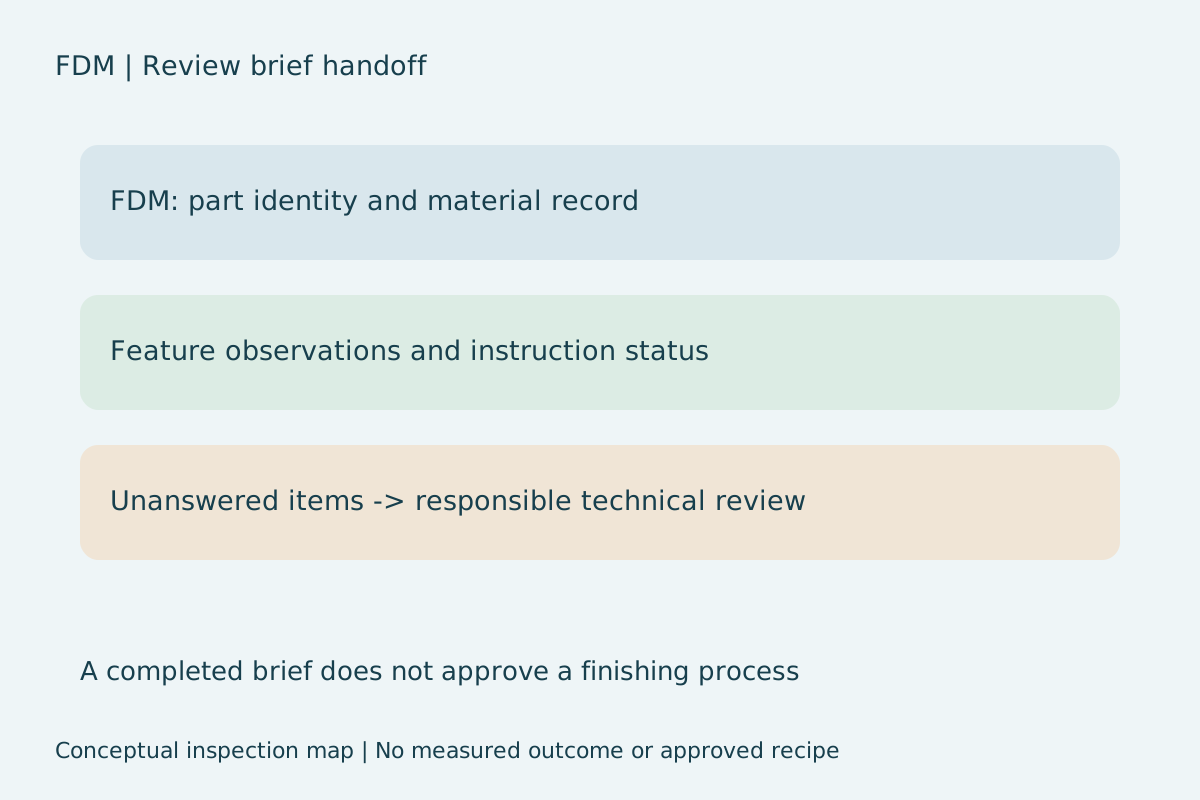
This tool does not establish supplier capability for your material or replace applicable material instructions. Request a representative technical review with actual part records before agreeing trial conditions.
FDM review questions
Why record support scars separately from layer ridges?
They identify different part locations. Separate photo references allow comparison of the same supported face and ridge direction.
Does this planner recommend a finishing recipe?
No. It records incoming conditions and inspection requirements. No validated time, media, concentration or stock-removal recipe is supplied.
What happens to unknown instruction status?
It stays in the unanswered list. Documented or not applicable requires a reference or reason. The export preserves inputs without converting them into approval.
Does the export send an inquiry automatically?
No. JSON downloads locally. Review before sharing with a technical contact. No contact details or submission are required by this tool.
Related inspection tools
- Mass finishing part acceptance record builder
- Deburring same feature dimensional change calculator
- Small feature media entry exit edge checklist
- Mass finishing interval inspection record builder
Request a FDM part review after reviewing the downloaded brief.
 +86-592-2381506

 IPv6 network supported